
HESCO Bill Online
Check, View & Download Your
Duplicate Bill Instantly
Check your Hyderabad Electric Supply Company electricity bill using your 14-digit reference number — no office visits, no queues, available 24/7 on any device.
Check HESCO Bill Online
How to Check HESCO Bill Online — 4 Easy Steps
No login or account needed. Follow these steps to access your electricity bill anytime.
Find Your Reference Number
Locate your 14-digit code on any previous HESCO bill. Can’t find it? See our guide.
Enter It Above
Type your reference number into the Reference # field above, or use your Customer ID instead.
Click “Submit”
Hit the Submit button. The tool fetches your latest bill from the official PITC server within seconds.
View, Download & Pay
Your bill opens in a new tab. View, print, or download your duplicate bill. Pay online or at any bank counter.
Everything You Need — Without Leaving Home
Free, instant, and available on any device. No registration. No queues. Just your bill, in seconds. You can also use a Gepco Online Bill checker to view your latest electricity bill online.
- View your latest bill amount and due date instantly
- Download a duplicate copy if your original is lost
- Check billing history and meter reading details
- Avoid late payment surcharges with timely access
- Works on mobile, tablet, and desktop
- No login, no registration, completely free
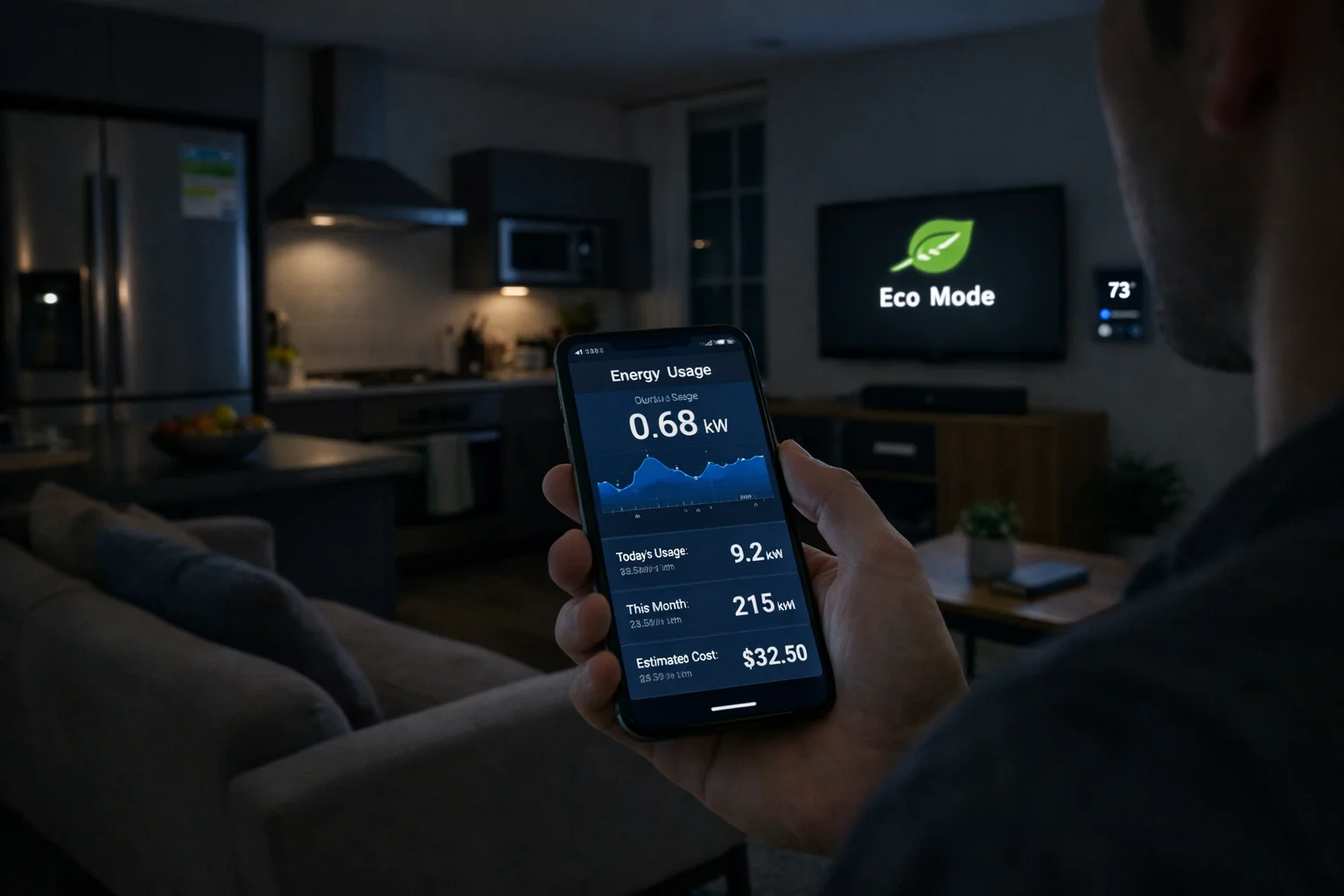
HESCO bill online lets customers of Hyderabad Electric Supply Company (HESCO) instantly check, view, and download their electricity bill using a 14-digit reference number — no login or office visit required. The service is completely free, works on all devices, and fetches real-time data from the official PITC billing infrastructure.
What Is HESCO Bill Online?
HESCO bill online is a digital service that allows electricity consumers under the Hyderabad Electric Supply Company (HESCO) to access their current and duplicate electricity bills through the internet. Instead of waiting for a paper bill or standing in a queue at a HESCO office, customers enter their reference number and view their complete bill within seconds.
HESCO is one of Pakistan’s major power distribution companies, operating primarily across Sindh province — including Hyderabad, Sukkur, Mirpurkhas, Nawabshah, Larkana, and surrounding districts. It serves millions of domestic, commercial, and industrial consumers. The shift toward online billing has become an essential convenience and a time-saving necessity for this large customer base.
The online bill checker connects to Pakistan’s official Power Information Technology Company (PITC) infrastructure — the same backend used by all DISCOs including LESCO, GEPCO, MEPCO, FESCO, and SEPCO. This makes the data accurate, current, and trustworthy every time you check.
Why Do HESCO Customers Need Online Bill Access?
For many households across Sindh, waiting for a physical electricity bill every month can lead to missed payments, late fees, and unnecessary trips to offices. Several practical situations make online access essential:
- Bill not delivered: Paper bills frequently go missing in congested urban areas or rural localities with inconsistent postal delivery.
- Lost bill: You need a duplicate copy before the due date to pay at a bank, franchise, or mobile wallet.
- Advance planning: Checking your bill early lets you budget and prepare for payment without last-minute stress.
- Record keeping: Businesses and landlords often need digital copies for documentation, tax filing, or tenancy purposes.
- Dispute verification: If your bill seems unusually high, online access lets you review meter readings and monthly comparisons immediately.
How to Find Your HESCO Reference Number
Your HESCO reference number is a unique 14-digit code assigned to your electricity connection. Without it, the billing portal cannot fetch your bill. Here is where to find it:
- Printed near the top of any previous electricity bill
- On your official HESCO connection letter or consumer agreement
- Displayed on the meter installation receipt
- Available at your nearest HESCO sub-division office on request
For a full visual guide, visit the dedicated HESCO Reference Number page. Once saved, checking your bill monthly takes just seconds — enable “Save Reference Number” in the checker so you don’t need to type it again.
What Information Does Your HESCO Bill Show?
A standard HESCO electricity bill contains more than just the amount due. Understanding each field helps you verify charges and catch errors early.
| Bill Field | What It Means |
|---|---|
| Consumer Name | Registered account holder name for this connection |
| Reference Number | Your unique 14-digit HESCO account identifier |
| Bill Month | The billing period this invoice covers |
| Units Consumed | Electricity usage in kWh for this billing cycle |
| Current Bill Amount | Total payable amount including taxes and surcharges |
| Due Date | Last date to pay without a late payment surcharge |
| After Due Date Amount | Higher amount payable if the due date is missed |
| Previous Reading | Meter reading from the last billing cycle |
| Current Reading | Latest meter reading taken this cycle |
| Arrears / Adjustments | Outstanding balance or credit from previous months |
How to Download a Duplicate HESCO Bill
If you have lost your original bill or need a soft copy for payment or records, downloading a HESCO duplicate bill takes just a minute:
- Scroll up to the Bill Checker tool on this page
- Enter your 14-digit reference number in the Reference # field
- Click the Submit button and wait a few seconds
- Once the form processes, your bill opens in a new tab
- The official PITC bill page opens with your complete bill
- Press Ctrl+P (or Cmd+P on Mac) and choose “Save as PDF” to download a copy
The downloaded bill is an authentic duplicate accepted for payment at all bank branches, EasyPaisa, JazzCash, and utility payment franchises across Pakistan.
HESCO Bill Payment Methods in 2026
Online Payment Options
- EasyPaisa: Pay directly via the app using your reference number — no service charge for registered users.
- JazzCash: Instant HESCO bill payment from anywhere in Pakistan via mobile wallet.
- Internet Banking: HBL, MCB, UBL, Meezan Bank, and Allied Bank all support HESCO utility bill payment through their apps and web portals.
- 1Link / Raast: National interbank platforms supporting utility payments across all member banks.
In-Person Payment Options
- HESCO regional or sub-division office billing counters
- National Bank of Pakistan (NBP) branches across Sindh
- UBL and other scheduled bank branches
- Authorized franchise outlets and utility payment shops
- Pakistan Post offices in many areas
Always pay before the due date to avoid the late payment surcharge, which typically adds 10% to your bill amount.
Tips to Reduce Your HESCO Electricity Bill
- Switch to LED lighting: LEDs consume up to 75% less energy than traditional incandescent bulbs.
- Set AC to 26°C: NEPRA recommends this as the optimal balance between comfort and efficiency.
- Unplug standby devices: Televisions, chargers, and computers on standby still draw phantom load electricity.
- Run heavy appliances off-peak: Use washing machines and irons in the evening or early morning.
- Maintain your air conditioner: A clean filter cuts AC energy consumption by 15–20%.
- Monitor usage with a smart plug: Real-time data helps identify energy-hungry devices to replace or use less often.
HESCO vs Other DISCOs — Quick Comparison
HESCO is one of ten major Distribution Companies (DISCOs) in Pakistan. Understanding which DISCO covers your address is important — bills, connections, and complaints must go to the correct company.
| DISCO | Province | Coverage Area |
|---|---|---|
| HESCO | Sindh | Hyderabad, Sukkur, Mirpurkhas, Larkana, Nawabshah |
| LESCO | Punjab | Lahore and surrounding districts |
| MEPCO | Punjab | Multan, Bahawalpur, D.G. Khan region |
| GEPCO | Punjab | Gujranwala, Sialkot, Gujrat, Hafizabad |
| FESCO | Punjab | Faisalabad, Jhang, Sargodha, Chiniot |
| SEPCO | Sindh | Sukkur, Khairpur, Shikarpur |
| PESCO | KPK | Peshawar and Khyber Pakhtunkhwa |
| IESCO | Punjab / Islamabad | Islamabad, Rawalpindi, Attock, Jhelum |
⚡ Key Takeaways
- HESCO bill online gives instant access to your electricity bill using your 14-digit reference number — free, no login required.
- The service fetches live data from the official PITC server and works on all devices.
- You can view, download, and print a duplicate HESCO bill in minutes — accepted at all banks and mobile wallets.
- Your bill shows units consumed, due date, meter readings, taxes, and after-due-date amount.
- Payment options include EasyPaisa, JazzCash, internet banking, NBP, and franchise outlets.
- Enable “Save Reference Number” so you don’t have to re-enter it every month.
- For new connection info, visit the dedicated page linked on this site.
How to Apply for a HESCO New Connection
If you need a fresh electricity connection in Sindh, you’ll need to submit an application with your CNIC copy, proof of ownership or tenancy, a site sketch, and completed application forms. Visit the HESCO New Connection page for a complete step-by-step guide covering requirements, fees, and timelines.
Is HESCO Bill Online Safe to Use?
Yes. The bill checker on this page connects to the official PITC billing infrastructure. No sensitive financial data is entered or stored. You only provide a reference number — a public identifier already printed on your paper bill. The data is processed securely and sent directly to the PITC servers.
Understanding HESCO Tariff Slabs and Unit Pricing
HESCO uses a slab-based electricity tariff set by NEPRA. The per-unit price increases as monthly consumption rises — which is why summer bills can spike sharply when air conditioner usage peaks. Tariff rates are revised periodically. For the most current breakdown of unit prices and slab rates, visit the HESCO Blog.
Conclusion: Stay Informed, Pay On Time
Managing your HESCO electricity bill has never been simpler. With the online bill checker at the top of this page, there’s no need to wait for paper, visit a crowded office, or worry about a lost duplicate. Enter your 14-digit reference number, click Submit, and your bill appears in a new tab — ready to view, download, or pay.
Bookmark this page and check your bill before the due date every month. For more help, explore the HESCO Reference Number guide, the New Connection guide, and the HESCO Blog for tariff updates and tips.
Frequently Asked Questions
Helpful Pages on This Site
Don’t Wait for Your Paper Bill — Check It Now
View your latest HESCO electricity bill online in seconds. Free, fast, and available 24/7 from any device.